
No products in the basket.
Website Design Website Development Guide for 2026 Success
Master website design website development for 2026 with expert strategies…

In 2025, a successful website build is essential for any business or personal venture. The digital landscape evolves rapidly, and simply choosing a template is no longer enough to stand out or achieve your goals.
This guide is designed to support you through every phase of your website build. We will cover planning, platform selection, user experience design, search optimisation, advanced features, and ongoing management.
You will discover the latest strategies, avoid common mistakes, and learn how a streamlined website build process leads to real results. Follow each step to ensure your website build delivers measurable success.
Building a successful website in 2025 starts with a clear sense of direction. Before you dive into the technical side of a website build, you need to establish a strong foundation. This means understanding your users, setting concrete goals, and building a structure that supports your business ambitions at every stage.

Every effective website build begins with a deep understanding of your target audience. Identify who your users are by considering their demographics, needs, and online behaviours. Are they local shoppers, business clients, or creative professionals?
Next, define your business and website goals. Are you aiming to generate leads, make sales, or share information? Aligning your website build objectives with wider business targets ensures measurable results. For example, e-commerce sites focus on conversions, while portfolio websites prioritise showcasing work.
Review competitors to benchmark expectations and identify gaps in their offerings. Over 75 million customers trust Canva for website creation, showing the importance of aligning your website build with user needs and modern tools. A focused purpose leads to higher conversion rates and better user engagement.
Once your goals are clear, plan the content and structure of your website build. Start by listing all the pages, features, and media you’ll need. Essential pages typically include Home, About, Services, Contact, Blog, and Shop.
Develop a sitemap outlining the main navigation and user journeys. GoDaddy templates, for example, provide ready-made structures for different industries, helping you prioritise what matters most. Think about future updates and scalability when planning your website build, so your site can grow with your business.
Use wireframes to visualise layouts and flow. This step is crucial for a smooth user experience and efficient project management. For a detailed look at the costs involved in your website build, see this affordable web design pricing guide.
Set measurable KPIs to track the success of your website build. Common indicators include:
Implement analytics tools from day one to monitor performance. Establish benchmarks for each KPI, so you can track progress and make informed improvements as your website build evolves. Platforms like GoDaddy offer marketing dashboards with real-time tracking, making it easier to manage ongoing growth.
By setting clear, measurable targets, your website build will stay focused and deliver results aligned with your business goals.
Selecting the right foundation for your website build is a pivotal decision. With countless options available in 2025, it's essential to weigh your needs and future goals carefully. The right platform and tools will shape your site's performance, scalability, and day-to-day management.
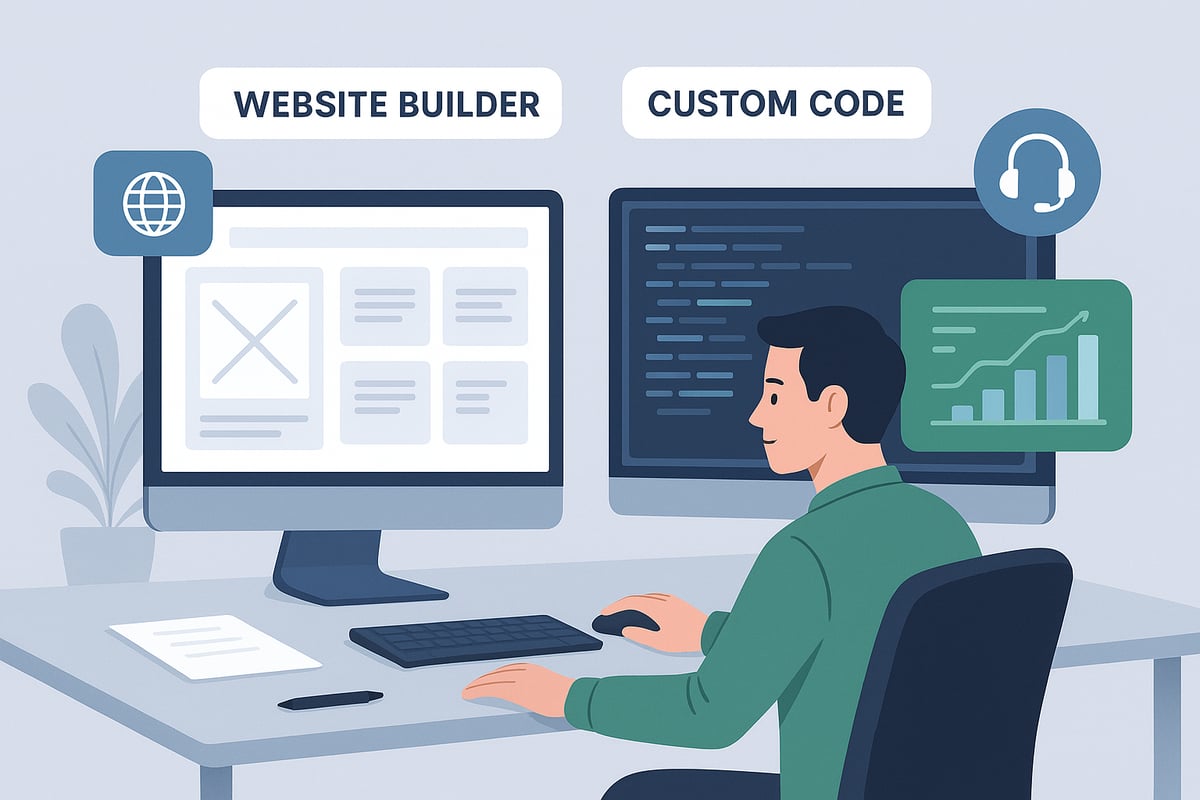
When planning a website build, you'll choose between intuitive drag-and-drop builders and custom development. Website builders like Canva and GoDaddy offer speed, simplicity, and integrated tools. These platforms suit beginners or small businesses needing quick deployment.
Custom development, however, provides tailored design and advanced functionality. It requires coding expertise and a higher budget, but ensures full control. Consider your technical skills, budget, and whether you need unique features.
Here's a quick comparison:
| Feature | Website Builders | Custom Development |
|---|---|---|
| Ease of Use | Very high | Low |
| Cost | Affordable/monthly | High upfront |
| Customisation | Limited | Unlimited |
| Scalability | Moderate | High |
| Maintenance | Platform-managed | Self-managed |
Emerging trends in 2025, such as AI-powered design and automation, favour platforms that regularly update features. For a deeper dive into new trends impacting your website build, see the latest web design trends for 2025.
Assess essential features before committing to a platform. Your website build should include mobile responsiveness, SEO tools, e-commerce options, and third-party integrations. Consider whether the platform allows for growth as your business expands.
Look for:
Scalability is key. If your business grows, can your website build handle more products, visitors, or content? GoDaddy’s Commerce plan, for example, supports unlimited products and marketplace integrations.
Choosing the right domain is crucial for your website build. Your domain should be memorable, short, and reflect your brand. Use AI-powered search tools to brainstorm ideas and check availability.
Domains with relevant keywords can boost SEO and brand recall. Ensure your domain is easy to spell and pronounce, reducing user errors. Register your domain through trusted providers, and secure multiple extensions if possible to protect your brand.
Solid hosting is the backbone of a reliable website build. Evaluate options like shared hosting, VPS, or managed WordPress based on your needs and budget. Always ensure your package includes SSL certificates for security and basic protection against threats.
Round-the-clock support is valuable, particularly for non-technical users. GoDaddy, for instance, provides 24/7 assistance and professional email with select plans, which increases business credibility.
Plan your website build budget carefully. Compare upfront costs against monthly subscription models. Builders like Pixelish offer transparent pay-monthly packages, starting from £65 to £85 with no upfront fees, which can be ideal for small businesses.
Remember to include ongoing expenses: hosting, maintenance, plugins, and marketing tools. Transparent pricing helps you avoid surprises as your website build scales.
If you need tailored support for your website build, Pixelish delivers local expertise in Doncaster and South Yorkshire. Specialising in e-commerce, WordPress, and SEO, Pixelish offers affordable, pay-monthly web design services with ongoing support.
Their local knowledge ensures your website build resonates with your audience and drives measurable results. With maintenance included and proven client success, Pixelish is a trusted choice for sustainable growth.
Design is the heart of every successful website build. In 2025, user expectations are higher than ever, and a well-crafted user experience can set your business apart from the competition. This section explores how to establish strong branding, prioritise usability, and make data-driven decisions that will shape a memorable and effective website build.

A compelling visual identity is essential for any website build aiming to leave a lasting impression. Consistency in branding, including your logo, colour palette, and typography, signals professionalism and builds trust. Start by defining your brand’s personality and values, then translate these into visual elements.
Professional templates from platforms like Canva and GoDaddy offer a solid foundation tailored to various industries. For instance, image-rich designs resonate with fashion or food businesses. Align your branding choices with your audience’s tastes and industry standards for maximum impact. To explore how expert designers approach this process, see this Website design services overview.
| Branding Element | Purpose | Example |
|---|---|---|
| Logo | Brand recognition | Custom icon |
| Colour palette | Emotional impact, consistency | Blue, white, grey |
| Typography | Readability, brand tone | Modern sans-serif |
With over 60 percent of web traffic coming from mobile devices, a mobile-first approach is a must for any website build. Responsive design ensures your site looks and functions seamlessly on smartphones, tablets, and desktops.
Test your layouts across multiple devices and browsers to guarantee consistency. Most platforms include preview tools that let you simulate different screen sizes before going live. Prioritising mobile usability from the start means your visitors will enjoy a frictionless experience, no matter how they access your website build.
Effective navigation is a cornerstone of any successful website build. Keep menus simple and intuitive, limiting top-level items to avoid overwhelming users. Clear calls to action on every page guide visitors towards desired outcomes, such as making a purchase or getting in touch.
Industry-specific templates often come with pre-built navigation suited to your business type. Add features like breadcrumbs for deeper sites and sticky menus for long pages, making it easy for users to find what they need. These small touches can make a big difference in how users interact with your website build.
An inclusive website build ensures that everyone can engage with your content, regardless of ability. Follow WCAG guidelines by providing alt text for images, maintaining high colour contrast, and enabling keyboard navigation.
Choose readable fonts and avoid low-contrast colour combinations to support users with visual impairments. Platforms such as Canva allow you to customise templates for accessibility, so your website build is open to all. Accessible design is not just ethical—it can also expand your reach and improve your site's overall performance.
Visual elements play a critical role in building trust and engagement during a website build. Use high-quality, relevant images and videos to showcase your products, services, or portfolio. Many platforms provide access to free professional image libraries, ensuring your visuals are both attractive and on-brand.
Optimise all media for fast load times without sacrificing quality. Compress images and choose appropriate formats to enhance performance. Well-integrated visuals keep users on your site longer and contribute to a memorable website build.
Mapping out key user journeys is vital for a smooth website build. Identify the main actions you want visitors to take, such as completing a purchase or submitting a contact form. Reduce friction by minimising the number of steps required to achieve these goals.
E-commerce templates, for example, often feature streamlined checkout processes that make it easy for customers to buy. Clear pathways and minimal distractions encourage users to complete their tasks, boosting conversion rates for your website build.
Continuous improvement is essential for a successful website build. Use analytics tools to track user behaviour, such as page visits, bounce rates, and time spent on site. Collect feedback through surveys or user testing to identify pain points.
A/B testing different layouts or calls to action can reveal what resonates most with your audience. Many platforms, like GoDaddy, provide built-in analytics to support these efforts. By making data-driven tweaks, you ensure your website build evolves with your business and user needs.
Creating compelling content, optimising for search, and integrating marketing tools are essential steps for a successful website build. In 2025, users expect clarity, relevance, and ease of access across every touchpoint. The following strategies ensure your website build stands out and drives real business results.
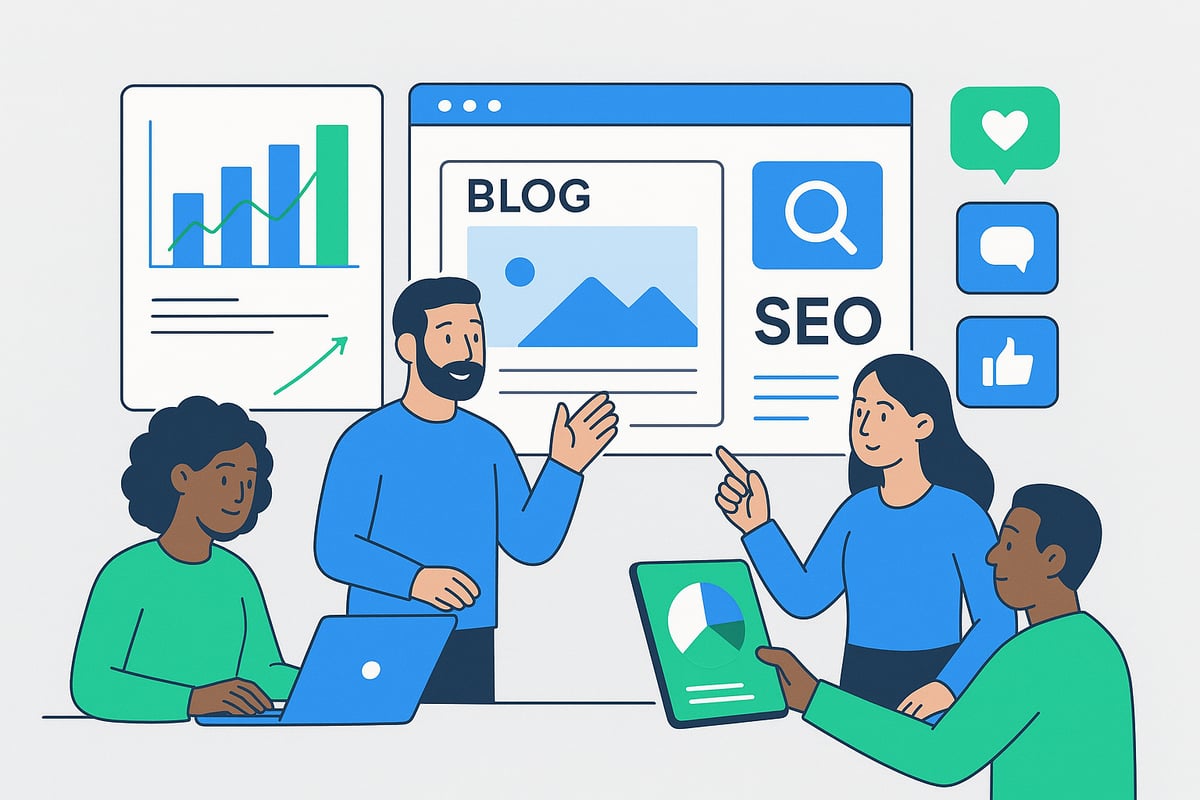
Effective website build projects start with clear, concise copy tailored to your audience. Use headlines that highlight benefits and address user needs directly. Integrate storytelling to build trust and humanise your brand.
Organise information logically, using bullet points and short paragraphs for readability. Prioritise calls to action that guide visitors towards your goals. Remember, every word should serve a purpose in the website build process.
A well-structured content plan makes your website build more engaging and easier to navigate.
SEO remains a cornerstone of every website build in 2025. Start with thorough keyword research and integrate primary and secondary terms naturally throughout your content. Optimise meta titles, descriptions, and headers for both users and search engines.
Structure your pages for featured snippets and voice search, using clear headings and well-marked sections. Platforms like GoDaddy and Canva include built-in SEO tools for on-page optimisation, but foundational techniques matter most. For a deeper dive into launching SEO successfully, explore the Essential SEO for new websites guide.
Alt text on images and fast-loading pages are also critical for SEO success in any website build.
A regular blogging schedule elevates your website build by boosting SEO and increasing user engagement. Develop a content calendar that answers customer questions, shares industry insights, and showcases expertise.
Blog sections are often included in business and portfolio templates, making it easy to add fresh content. Each blog post should target specific keywords relevant to your audience and the overall website build.
Consistent blogging supports your website build’s authority and search visibility.
Social media and email marketing are integral to a comprehensive website build. Add social sharing buttons and live feeds to encourage engagement and extend your reach.
Use email sign-up forms and lead magnets to grow your subscriber list. Many platforms offer built-in tools for managing email campaigns, streamlining the marketing process within your website build.
Connecting your website build with these marketing channels keeps your audience engaged and returning.
For businesses targeting a specific region, local SEO is vital to your website build. Use location-based keywords and optimise your Google Business Profile to enhance local search visibility.
Add your business address, hours, and contact details clearly. Focus on earning positive reviews, as these influence local rankings and customer trust in your website build.
A strong local SEO approach ensures your website build reaches the right audience in your area.
AI-powered tools have transformed the website build landscape. Use AI content generators for faster copywriting, idea generation, and even basic design suggestions. Examples include GoDaddy Studio and Canva Magic Write.
Automate routine marketing tasks such as scheduling social media posts or sending out newsletters. This allows you to focus on strategic growth while maintaining consistency in your website build.
Embracing automation streamlines your website build and frees up valuable time.
Continuous improvement is key in every website build. Track engagement metrics such as bounce rate, dwell time, and social shares using analytics tools.
Set up regular reviews to identify what content resonates most and which areas need refinement. Adjust headlines, CTAs, and layouts based on data insights to maximise your website build’s effectiveness.
A data-driven approach ensures your website build evolves alongside user expectations.
Advanced features are the backbone of any successful website build in 2025. They drive engagement, boost conversions, and ensure your site remains competitive. As user expectations rise, integrating e-commerce, booking, analytics, and performance tools is no longer optional. Let us explore how to make your website build stand out with the latest trends and solutions.
Integrating e-commerce into your website build opens new revenue streams and enhances user experience. Choosing between WooCommerce, Shopify, or built-in solutions depends on your business needs and technical comfort.
Add detailed product listings, clear categories, and secure payment gateways. Delivery options should be straightforward, with automated inventory sync to prevent overselling. According to Web Development Trends and Statistics 2025, multi-channel e-commerce and automated stock management are now industry standards in a website build.
For service-based businesses, integrating booking systems is a game changer. Your website build should support real-time appointment scheduling, online payments, and automated confirmations.
Automation reduces admin work, letting you focus on growth. Ensure your website build offers flexibility for future service expansion and easy integration of new booking features.
A data-driven website build is essential for long-term success. Connect Google Analytics, Facebook Pixel, and CRM platforms to track user behaviour and campaign performance.
Referencing Web Development Industry Statistics 2025, sites with robust analytics and marketing integrations achieve higher ROI and better user retention. Make analytics setup a priority from the start of your website build.
Trust is critical in every website build. Secure your site with SSL certificates, GDPR compliance, and clear privacy policies. Platforms like GoDaddy include SSL and basic security features, but always review for additional needs.
A secure website build protects both your users and your brand reputation. Regular audits and updates are essential for ongoing safety.
Expanding functionality is easy with the right plugins and integrations. Your website build can include chatbots, review systems, or custom forms to enhance engagement.
Test each integration to maintain site speed and security. Prioritise essential tools that add real value to the user journey.
Fast-loading sites are a must for any effective website build. Compress images, enable caching, and use Content Delivery Networks (CDNs) to ensure quick access across devices.
Performance optimisation not only helps with rankings but also keeps visitors engaged, ensuring your website build delivers consistent results.
Tailor your website build with features specific to your sector:
| Industry | Essential Integration | Benefit |
|---|---|---|
| Retail | Inventory sync, Multi-channel sales | Real-time updates, broader reach |
| Restaurants | Online menus, Ordering | Convenience, increased orders |
| Professional Services | Appointment scheduling, Payments | Streamlined booking, improved cash flow |
By focusing on advanced features, your website build will not only meet but exceed user expectations in 2025.
Launching your website build is a pivotal milestone, but success hinges on thorough preparation, precise execution, and strategic ongoing management. This final step ensures your site not only goes live seamlessly but also remains secure, optimised, and poised for long-term growth.
Before you officially launch your website build, a meticulous pre-launch checklist is essential. Testing is about more than just clicking through your site; it is about ensuring every element functions as intended for all users.
A well-planned pre-launch process minimises errors, boosts confidence, and sets the foundation for a successful website build.
Once your website build is ready, configuring SEO and analytics is crucial. Start by submitting your sitemap to Google Search Console and Bing Webmaster Tools. This helps search engines index your site quickly.
Set up Google Analytics and define goals to track conversions and user behaviour. Monitor for any early indexation issues or traffic anomalies. Integrate analytics dashboards to streamline performance tracking.
According to Web Development Statistics for 2025, modern analytics workflows are essential for understanding user journeys and boosting productivity in any website build.
A successful website build deserves a strong launch. Promote your site through email campaigns, social media announcements, and press releases to generate buzz.
Consider offering introductory promotions or exclusive deals to attract your target audience. Leverage built-in marketing tools from your platform, such as automated email marketing or social sharing features, to maximise reach.
A strategic launch amplifies visibility and accelerates initial engagement for your website build.
Maintaining your website build is an ongoing process that ensures reliability and security. Schedule regular content updates to keep your information fresh and relevant.
Conduct security checks, software updates, and plugin reviews to prevent vulnerabilities. Take advantage of ongoing support packages for peace of mind and rapid issue resolution.
Staying proactive with maintenance keeps your website build running smoothly and protects your investment.
As your business grows, your website build should adapt accordingly. Add new features, pages, or integrations to meet evolving customer needs.
Revisit your site’s design and content annually to stay current with industry trends and user expectations. Scalability ensures your website build remains competitive and continues to deliver results.
A flexible approach to scaling guarantees your website build supports long-term business objectives.
Technical issues are inevitable, but effective troubleshooting keeps your website build on track. Utilise your platform’s dedicated support channels for expert assistance.
Engage with online help centres and user communities to find solutions or share insights with peers. Document recurring issues and their resolutions for future reference.
Robust support resources empower you to resolve issues swiftly and maintain a high-performing website build.
Continuous improvement is key to a thriving website build. Regularly review your key performance indicators—such as traffic, bounce rate, and conversion rate—using your analytics dashboard.
Apply data-driven insights to refine content, design, and functionality. According to Web Development Statistics 2025, businesses that measure and adapt outperform those who do not.
A commitment to iteration ensures that your website build remains effective, relevant, and aligned with your goals.
Now that you’ve seen how a step by step approach can turn your website ambitions into real results for 2025, remember that the right support makes all the difference. Whether you’re aiming to boost sales, showcase your services, or strengthen your brand online, having a tailored, high performance site is essential. At Pixelish, we specialise in helping businesses in Doncaster and South Yorkshire succeed with custom solutions, ongoing support, and proven expertise. If you’re ready to take the next step, we’re here to guide you every step of the way.
Get in touch
Let’s build your website success story together.


© Copyright 2025, All Rights Reserved by Pixelish