WordPress Websites: The Complete Guide for UK Businesses
Learn wordpress website making step by step for 2026. Plan,…


You open your website and see a warning:
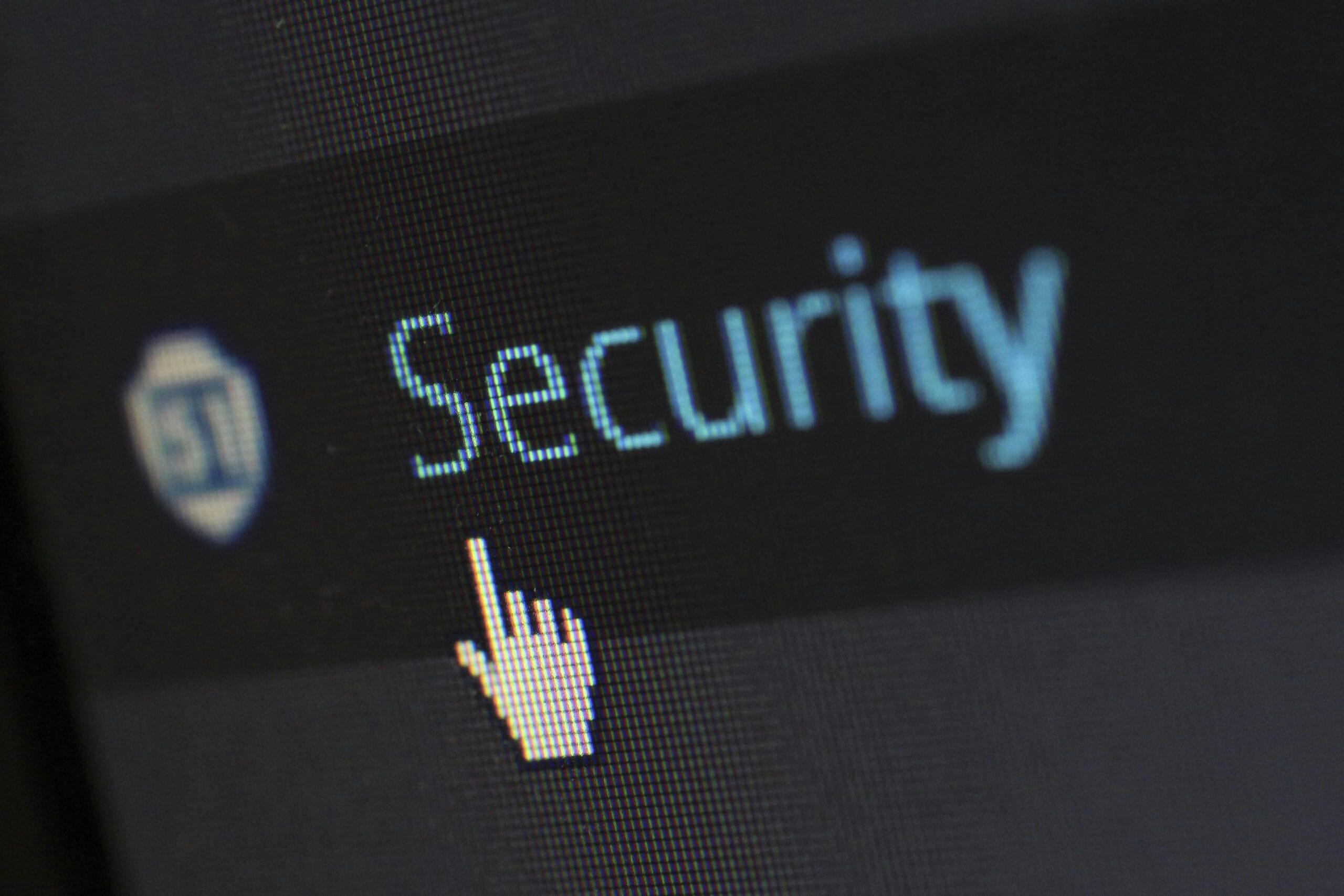
“Not Secure” in the browser bar.
It’s not a good look—especially for visitors who don’t know what’s going on.
Here’s what it means, why it happens, and how to fix it.
When a website is marked as “Not Secure,” it usually means it doesn’t have a valid SSL certificate.
An SSL certificate:
http:// to https://Without it, browsers show a warning to protect users.
This is especially common in Chrome, Safari, and Edge.
A “Not Secure” warning can:
It also affects your search rankings.
Google prefers secure websites and may rank you lower if your site isn’t using HTTPS. If you’re already struggling with visibility, this could be one of several issues holding you back — we cover more in our guide on why your website might not be showing up on Google.
http:// and https:// versions, and Google is picking up the insecure one.You can fix this in a few ways, depending on your setup.
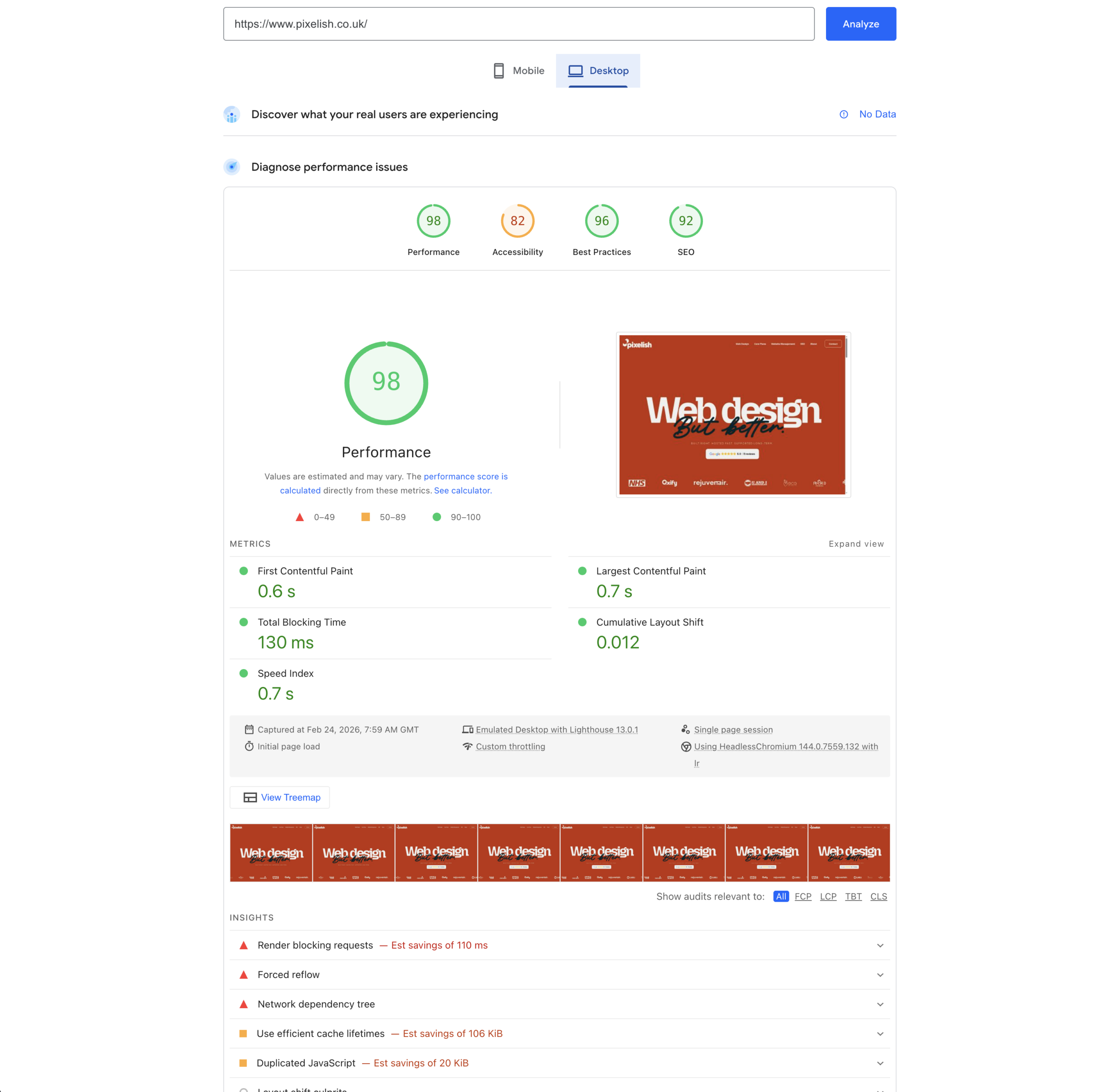
http:// to https://.Security is just one part of the puzzle. A site that’s secure but slow or poorly structured still won’t perform well — website speed and performance matter just as much when it comes to keeping visitors on your pages.
If you’re unsure where to start or just want it sorted quickly, we can help.
At Pixelish, we build secure, professional websites as standard.
We make sure everything is locked down, fast, and built to last—so you never have to worry about things like this.
Need help fixing your current site or want something new that just works?